MacroLab vs
MyFitnessPal
What you get before you pay.
Both apps track calories and macros. The difference starts with the tools you can use for free—and the food you can find when you open the database.
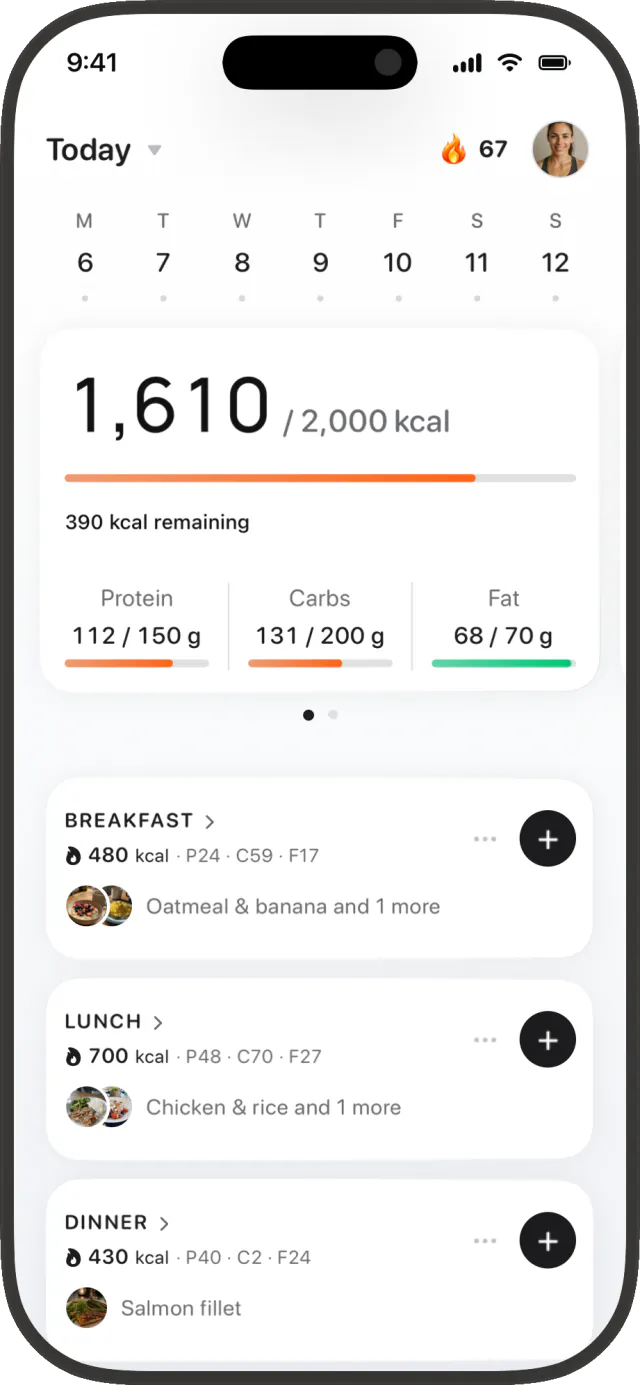
MacroLab
Your day, with food images.
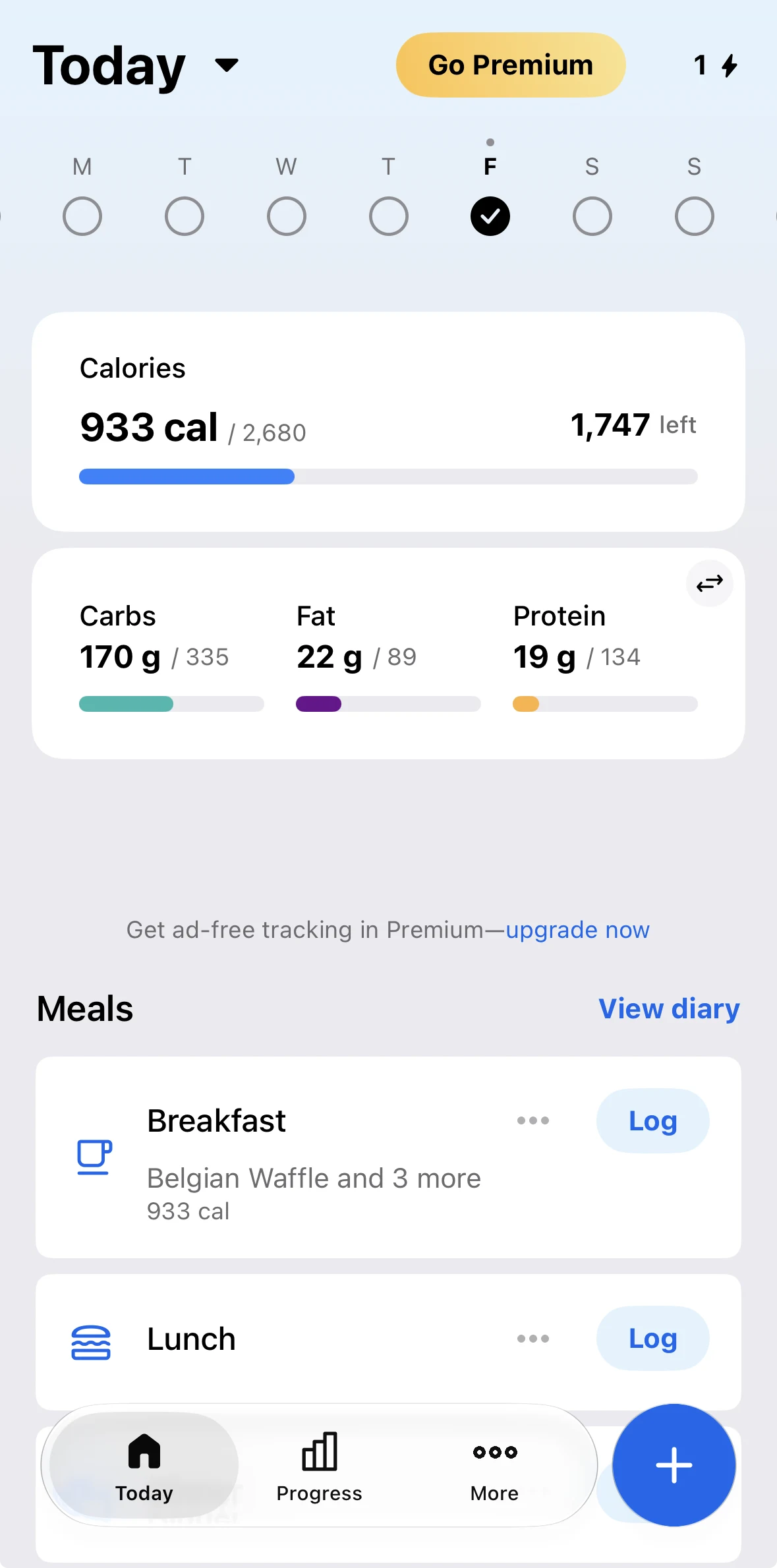
MyFitnessPal
Your day, on the free plan.
The short answer
Choose MacroLab if you want to log with a photo, your voice or a barcode without subscribing first. Choose MyFitnessPal if your existing diary, connected apps and familiar food entries already make tracking easy.
Our mission is to make accurate nutrition tracking accessible to everyone, including people who train.
Written by the team behind MacroLab. This comparison is based on product screens and official feature documentation, with sources linked below.
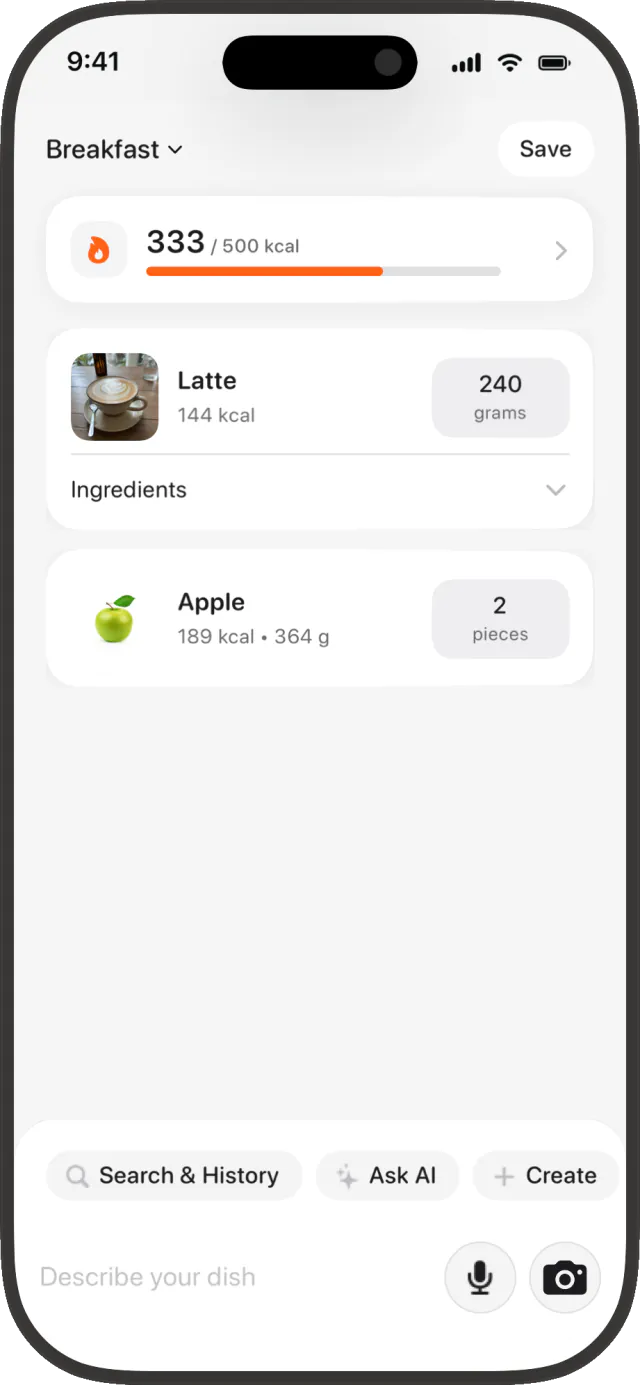
Photo, voice and barcode logging
In MacroLab, barcode scanning is free. Photo, text and voice logging share an allowance of three AI meals per day.
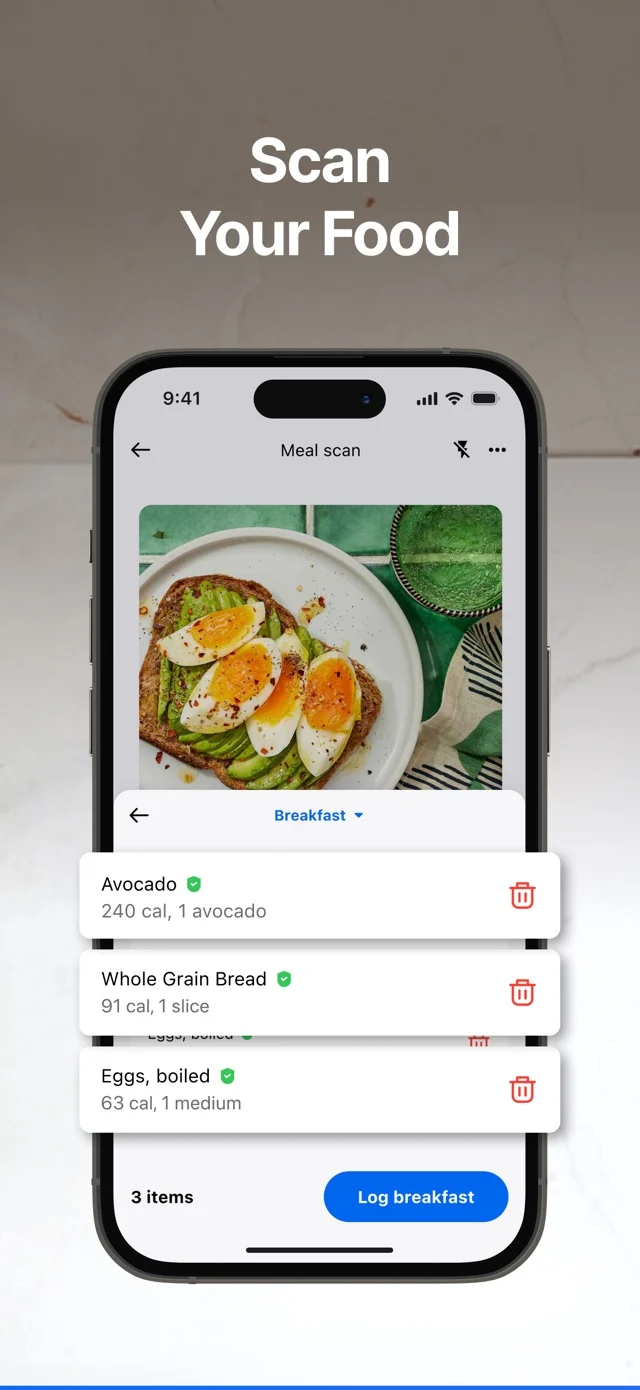
MyFitnessPal’s barcode scanner requires Premium.[1] Its Meal Scan and voice logging also require Premium; the official help pages currently specify English for both.[2][3] Manual search remains a free option.
| What you want to do | MacroLab | MyFitnessPal |
|---|---|---|
| Manual food logging | Free | Free |
| Barcode scanning | Free | Premium[1] |
| Photo recognition | Free daily allowance | Premium[2] |
| Voice logging | Free daily allowance | Premium[3] |
| Describe a meal in text | Free daily allowance | Search by food name |
For a packaged food, the barcode is the useful starting point. For a homemade meal, recognition proposes a log you can review. Check the food match and serving size before saving; a photo cannot tell you exactly how much oil went into a pan.
MacroLab · meal logging
MyFitnessPal · Meal Scan
Food images and product packaging
MacroLab displays ingredient illustrations, dish images and product packaging alongside food names. The examples below show Brillante rice and quinoa and Carrefour blueberries, each linked to its catalog entry.
MacroLab maintains the catalog. The public entry pages show the available nutrition values without a verification badge. Packaging can change, recipes vary and serving sizes still matter. Check the entry against your package when precision matters. Read our product facts.
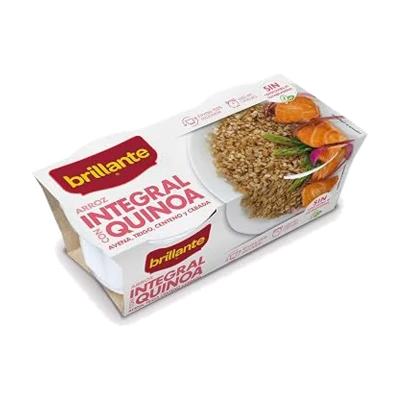
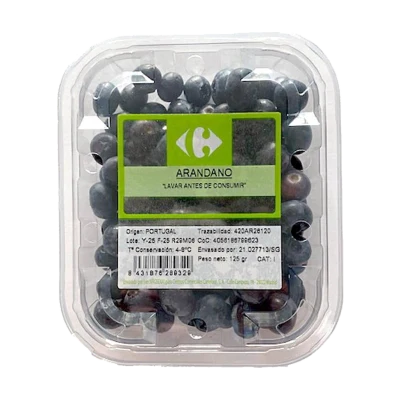
Real branded-product entries from MacroLab’s catalog. The web pages show the product, calories and available protein, carbohydrate and fat values.
MyFitnessPal reports a database of more than 20 million foods, including brands and restaurant items.[6]
Regional recipe examples
MacroLab focuses on foods and products in Spain, Mexico, Germany, Russia and Kazakhstan. Here are five recipes available in the catalog, with links to their ingredients and nutrition details.
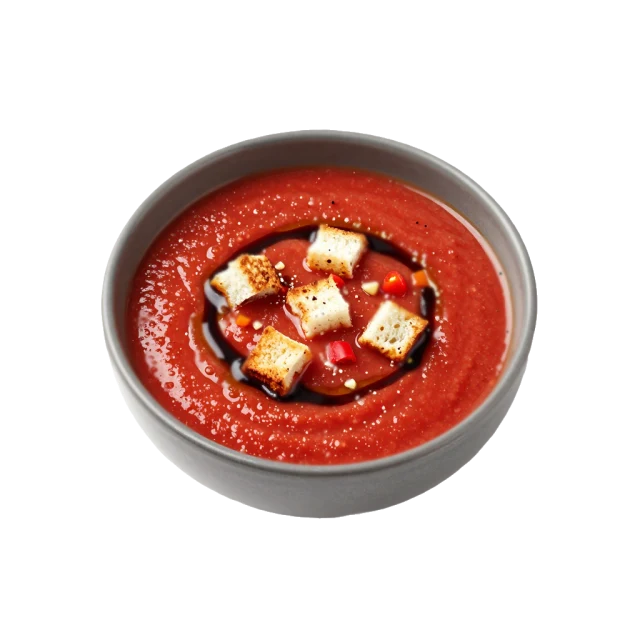
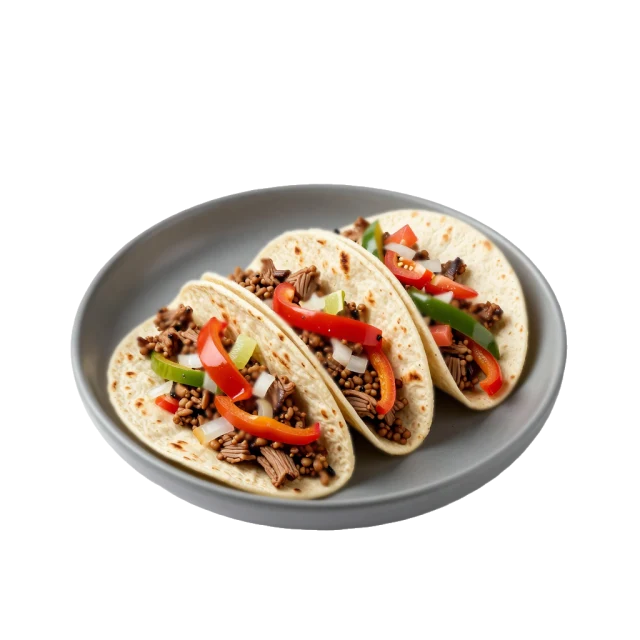
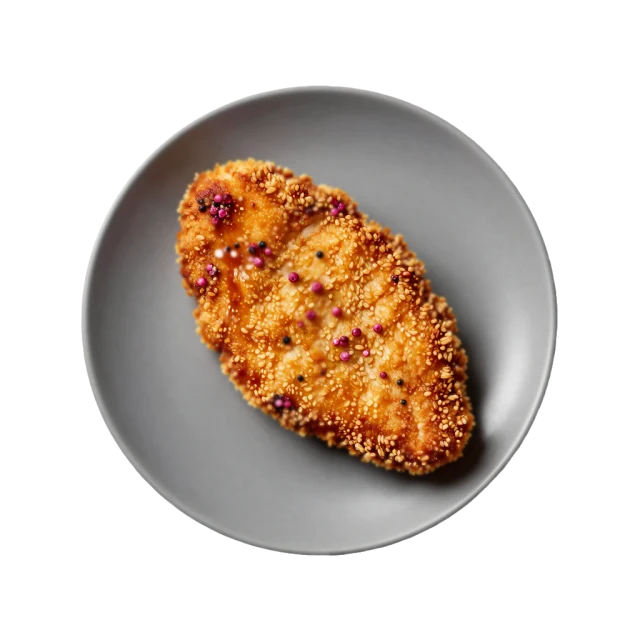
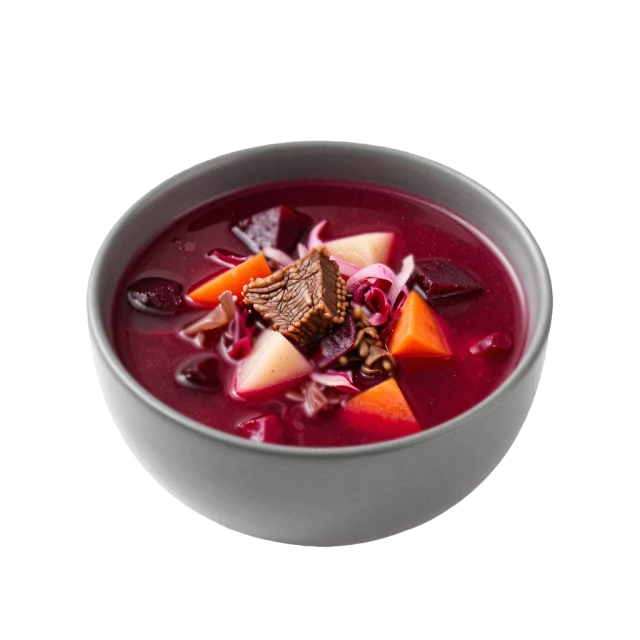
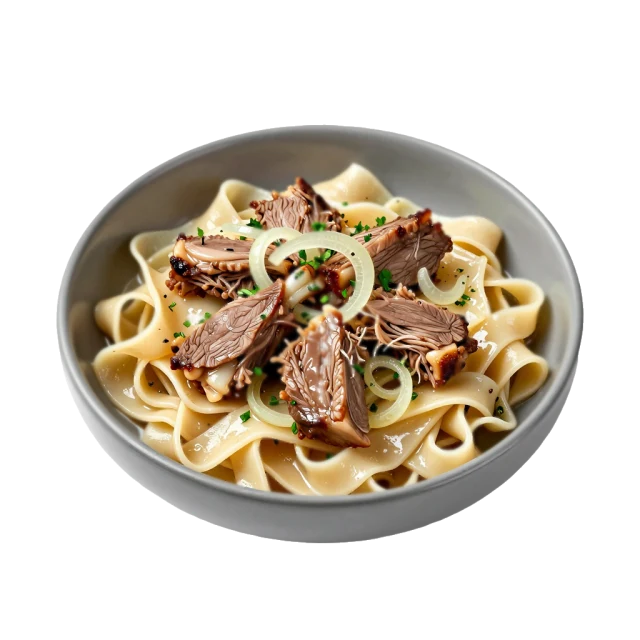
Recipe illustrations from MacroLab’s catalog. These examples show available dishes; they do not measure regional coverage against MyFitnessPal.
What we checked on October 4, 2026
We opened these five English catalog entries and checked that each had a serving weight and calculated calories. None had English cooking instructions at the time of this check.
| Dish | Serving | Calories |
|---|---|---|
| Gazpacho | 380 g | 288 kcal |
| Pork tacos | 246 g | 450 kcal |
| Schnitzel | 165 g | 447 kcal |
| Borscht | 235 g | 244 kcal |
| Beshbarmak | 535 g | 1240 kcal |
This small sample confirms those entries were available on that date. Nutrition depends on the listed ingredients and portion; this check does not measure recognition accuracy or compare database coverage.
Explore the food databaseNutrients and calorie targets
MacroLab shows vitamins and minerals when those values are available for the foods you log. The nutrient screen below displays amounts against daily reference targets.
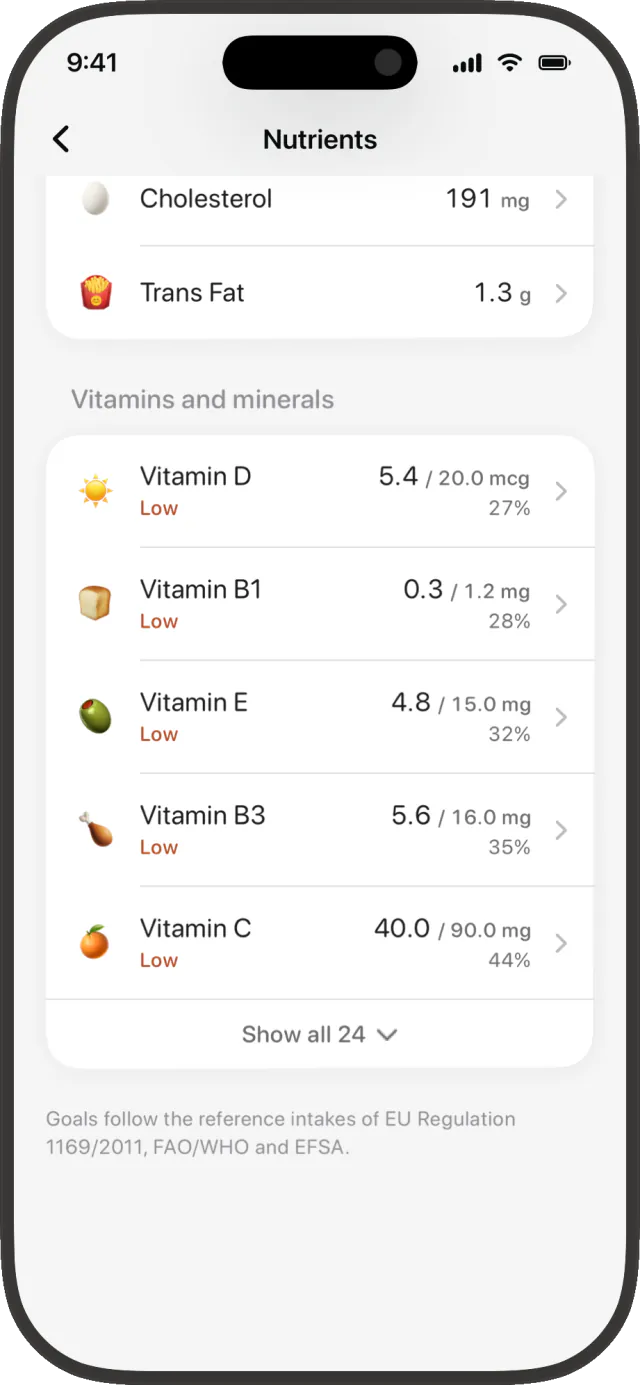
Nutrient detail
Vitamin and mineral amounts against daily reference targets.
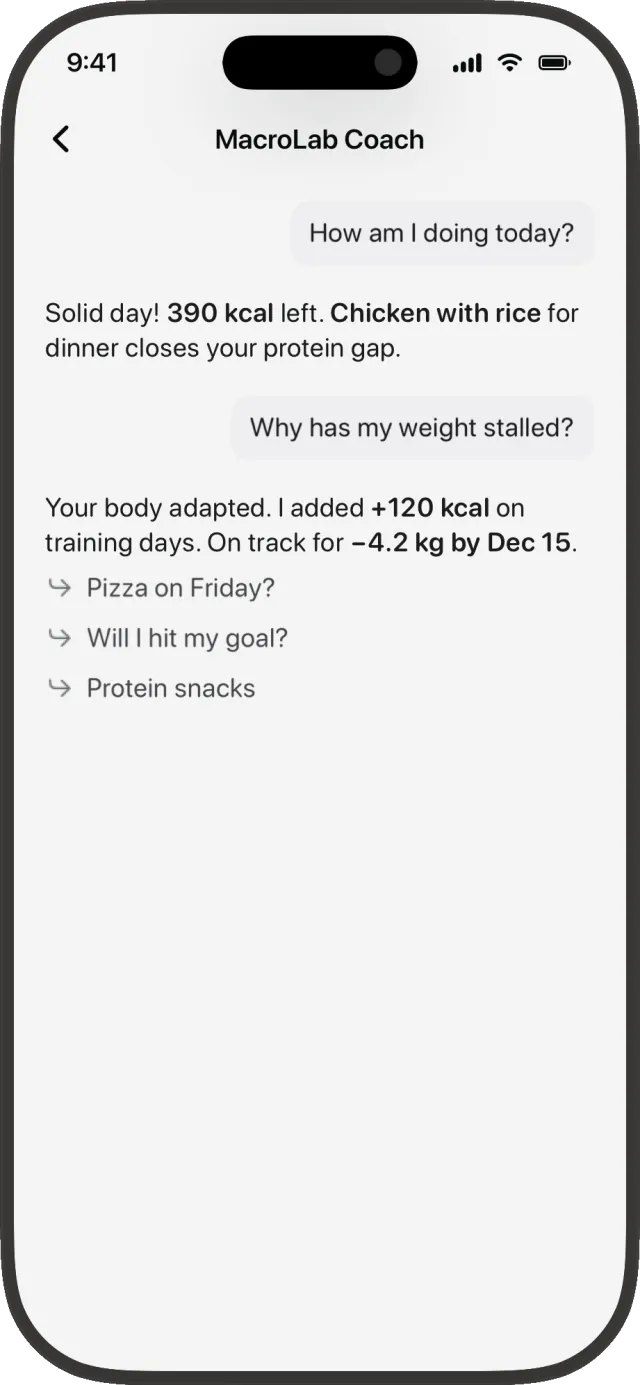
Guidance with Pro
Ask questions about your nutrition and progress.
MacroLab’s adaptive targets use your logged intake and weight trend to inform adjustments. MyFitnessPal calculates an initial goal from your profile and desired rate of weight change, and can add logged exercise to your daily calorie allowance.[5]
How MacroLab’s calorie targets workWhat’s included in Free and Pro
The table above covers MacroLab’s free logging tools. Pro removes the daily AI meal limit and adds the features listed below.
MacroLab Free
- Manual logging and food search
- Barcode scanning
- 3 AI meals a day: photo, text or voice
- Access to the illustrated food catalog
MacroLab Pro
- Everything in Free
- Unlimited AI meal logging
- More capable recognition models
- AI coach and nutrition-label scanning
MyFitnessPal has a free plan for food and exercise logging. Premium adds barcode scanning, Meal Scan and advanced tracking tools; Premium+ adds meal planning and grocery lists.[4]
We don’t quote subscription prices here because they vary by country, billing period and offer. Check the price and renewal terms shown in the app before subscribing.
Which app fits your needs?
Start with MacroLab if…
You want photo, text, voice and barcode logging without paying first. You like seeing the foods you select, and regional dishes and supermarket products matter to your daily meals.
Stay with MyFitnessPal if…
Your food diary is already there, your connected apps work well together and you regularly find the exact foods you need.
Sources & how we compared
Feature documentation checked October 2, 2026. We distinguish free access from subscriptions and compare available workflows. Recommendations are our interpretation of those differences. Features can vary by platform, country and app version.
- MyFitnessPal: barcode scanning
- MyFitnessPal: Meal Scan and language availability
- MyFitnessPal: voice logging
- MyFitnessPal: Free, Premium and Premium+
- MyFitnessPal: how calorie goals are calculated
- MyFitnessPal: database coverage
MyFitnessPal Today is a supplied screenshot of the free app. Its Meal Scan image comes from its official App Store listing. MacroLab screens contain demonstration data; catalog examples link to live food entries. The brands are independent and their trademarks belong to their respective owners.
Found something that has changed? Let us know.