MacroLab vs
Cal AI
Free logging, meal editing and adaptive targets.
Both apps recognize food from a photo. Here’s how they compare on subscription access, correcting a meal and setting calorie goals.
MacroLab
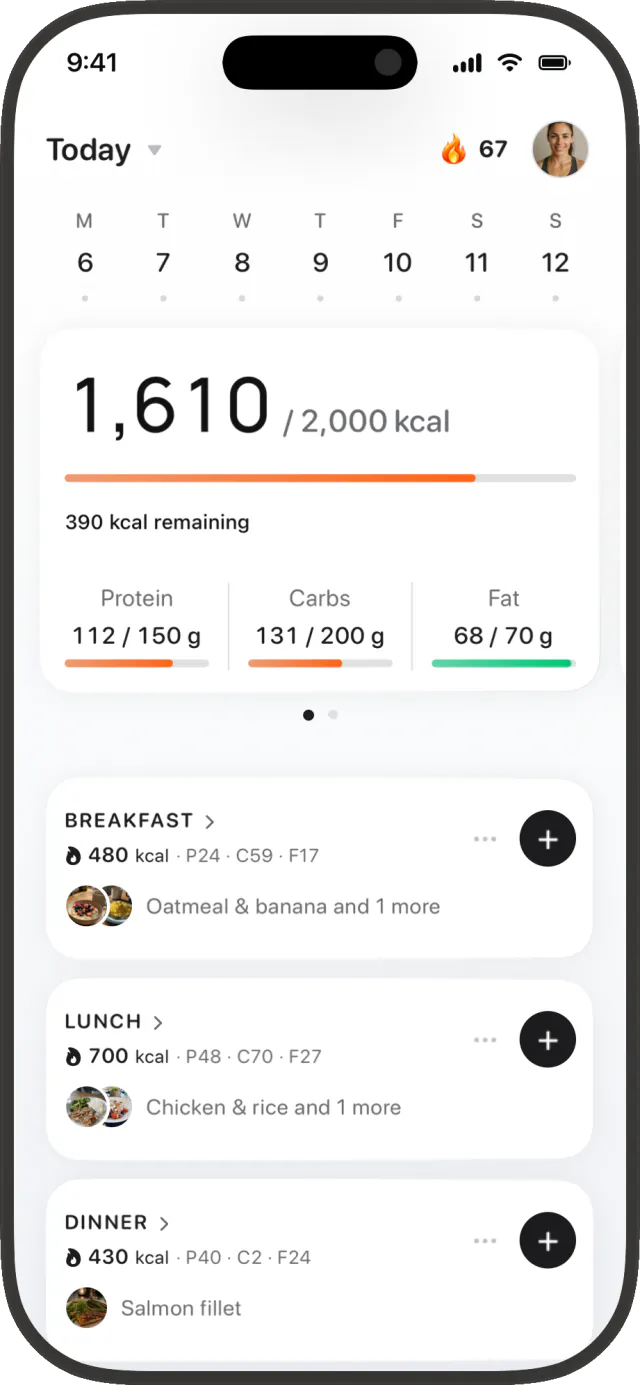
Daily calories, macros and meals.
Cal AI
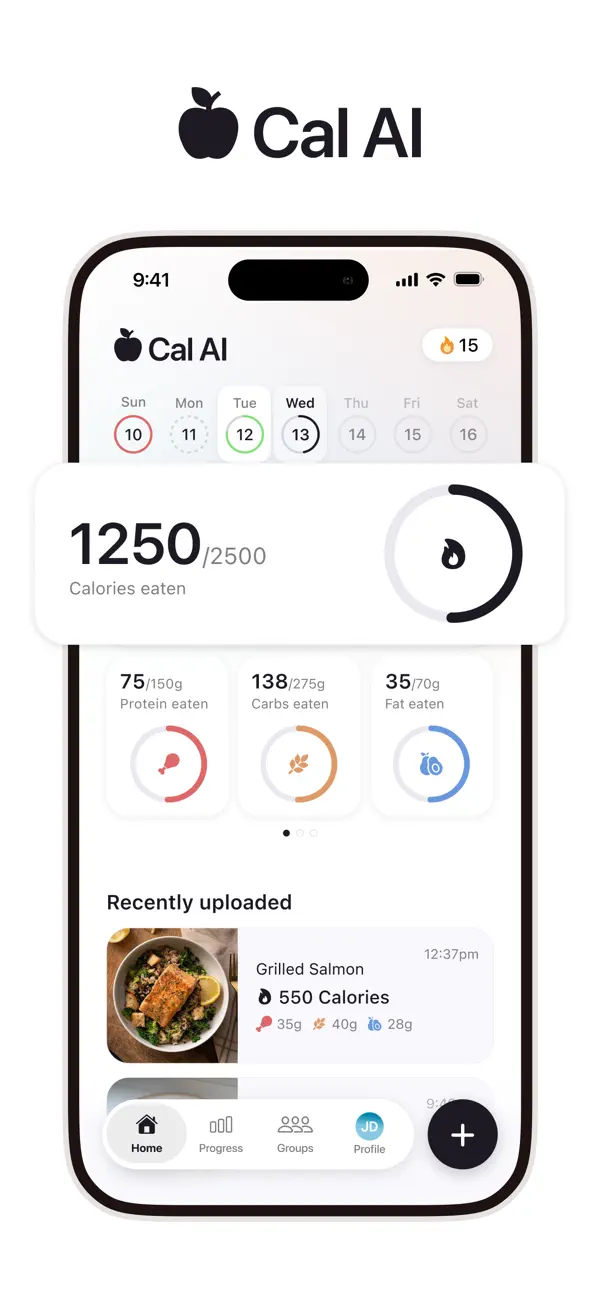
Daily calories, macros and uploads.
The main differences
Both apps offer photo logging. MacroLab includes three AI meals a day for free, editable food quantities, adaptive calorie targets and an AI Coach with Pro. Cal AI offers a more minimalist interface and community Groups. We currently consider its food database stronger for US coverage; MacroLab focuses on Spain, Mexico, Germany, Russia and Kazakhstan.
Our mission is to make accurate nutrition tracking accessible to everyone, including people who train.
Written by the MacroLab team. Cal AI claims come from its official website, FAQ and App Store listing. Screens below are marketing examples, not a timed test.
Photo logging with a free daily allowance
MacroLab’s photo, text and voice logging share a free allowance of three AI meals per day. Manual logging, food search and barcode scanning are free. Pro adds unlimited AI meal logging and more capable recognition models.
Cal AI advertises a three-day trial on its website.[2] Its App Store listing specifies that food-scanning analysis results require a subscription.[1]
| Feature | MacroLab | Cal AI[1][2][3] |
|---|---|---|
| Photo logging | 3 AI meals per day, shared with text and voice | Scan results require a subscription |
| Barcode logging | Free | Available; see subscription terms |
| Meal corrections | Edit foods and quantities before saving | Portion controls, ingredients and Fix Results shown in its store images |
| Calorie targets | Updates informed by logged intake and weight trend | Personalized plan from lifestyle questions |
| Conversational AI Coach | Included with Pro | Not described in the sources reviewed |
Cal AI’s website describes photo, barcode and text input. Its FAQ also lists manual search.[2][3] Both apps offer several ways to enter food.
Review and edit the meal before saving
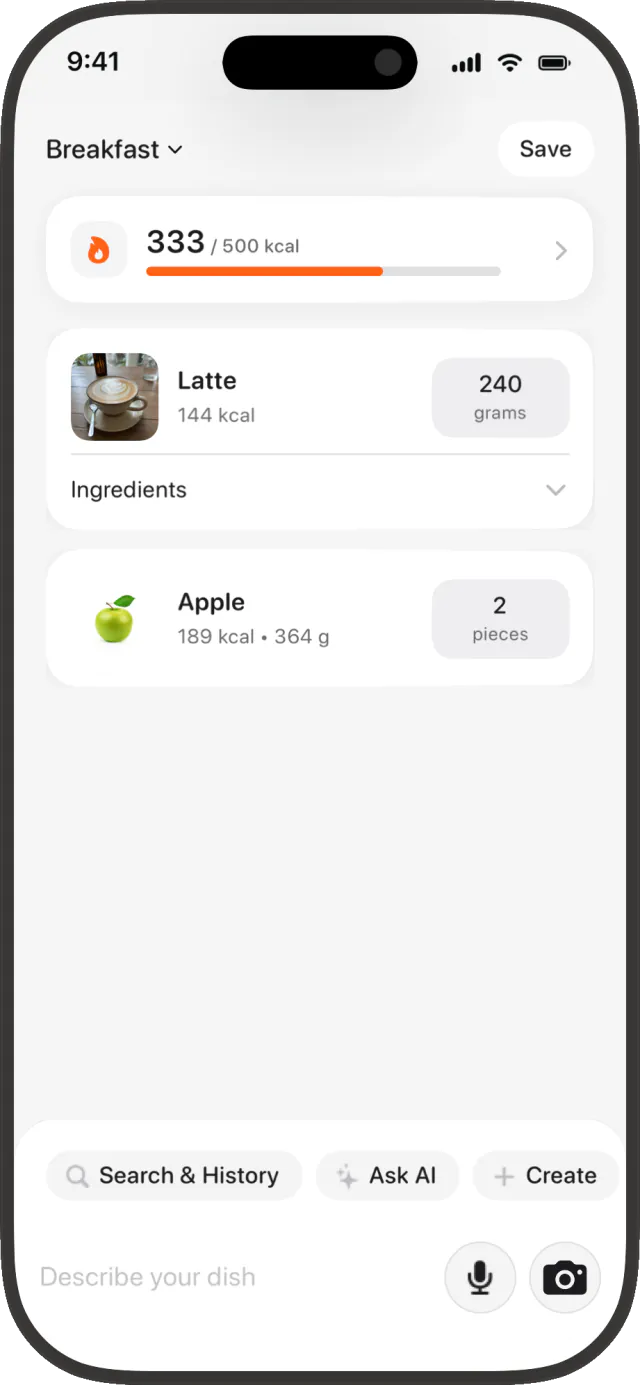
MacroLab puts the foods and their quantities in a meal editor. In the example below, the latte is logged in grams and the apple in pieces. The quantity controls sit beside each food, with Save at the top.
The logging flow is designed to keep input, review and saving close together: add the meal, adjust the quantities that need changing, then save the meal as a whole. A correct recognition result needs no per-food re-entry.
MacroLab · food quantities
Cal AI · meal corrections
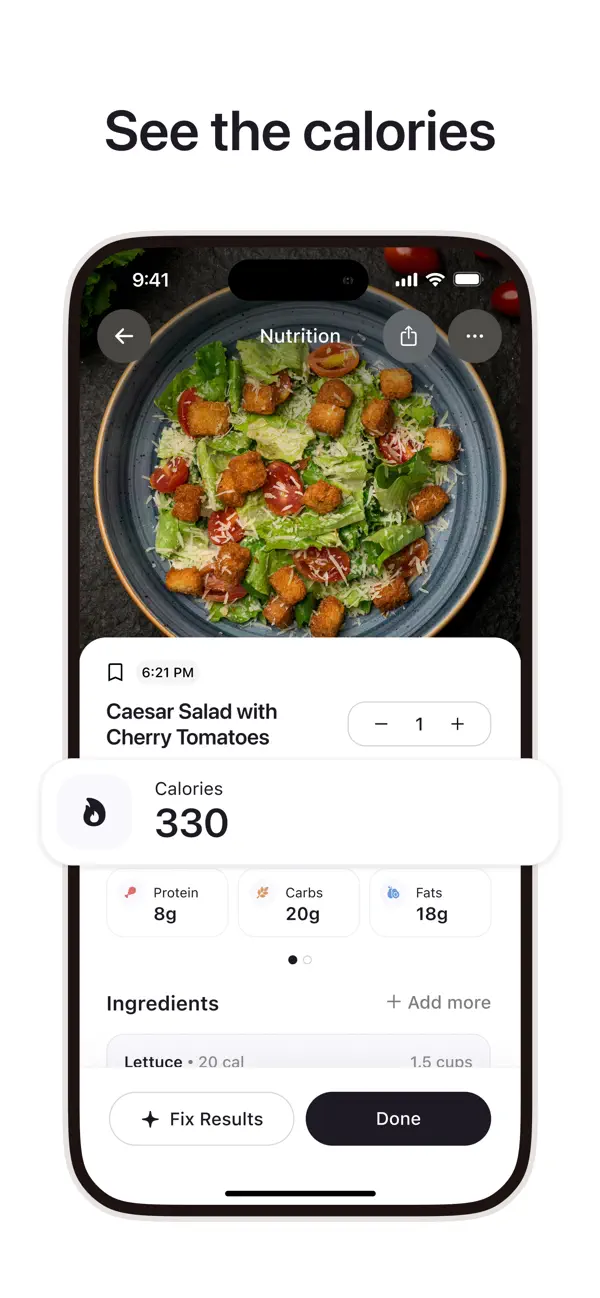
Cal AI’s promotional screen also shows portion controls, an ingredient list and a Fix Results button.[1] We haven’t measured a tap-count or speed advantage between the apps.
Dynamic TDEE and calorie targets
TDEE is your estimated total daily energy expenditure. MacroLab starts with a profile-based estimate, then uses logged intake and weight trends to inform future calorie targets once enough data is available.
Starting estimate
Your profile, activity and goal provide an initial calorie target.
Updates from your logs
Logged food intake and weight trends help refine the estimate and future targets.
This matters when you train and your routine changes: the target can respond to your recorded intake and weight trend. It remains an estimate, and a single weigh-in does not measure a change in metabolism.
Cal AI’s listing describes answering lifestyle questions to build a plan.[1] The sources reviewed do not explain whether it recalibrates energy expenditure from logged intake and weight trends.
Read MacroLab’s target methodologyAI Coach with Pro
MacroLab Pro includes a conversational AI Coach for questions about your logged food, nutrition and progress. You can ask about protein intake or how your recent meals fit your goal.
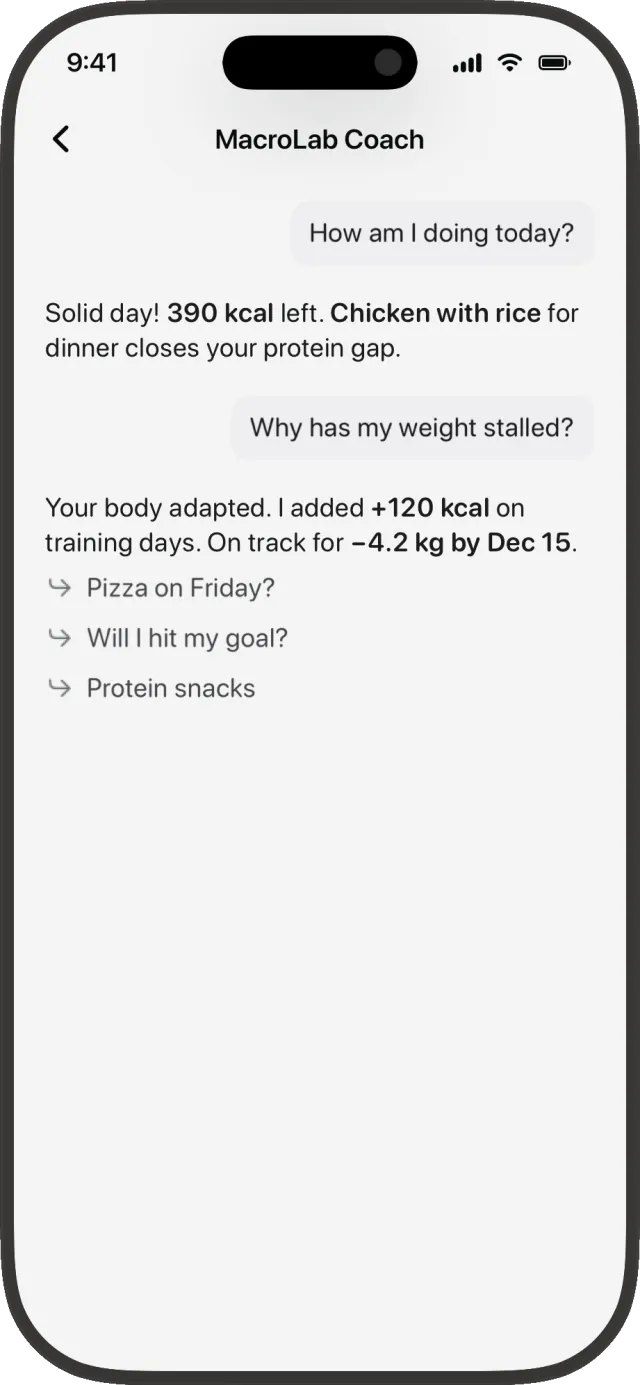
Ask about your logs
Conversation with MacroLab’s Pro coach.
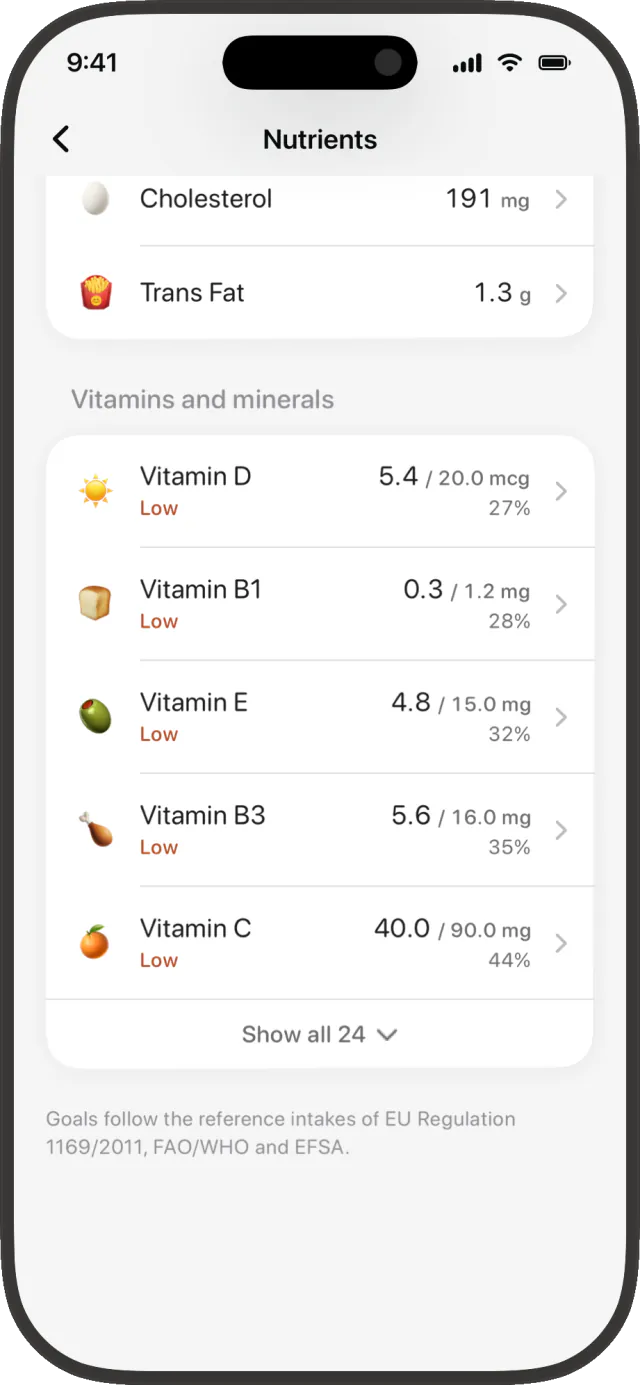
Inspect nutrient totals
Vitamins and minerals where food data is available.
Cal AI’s website, FAQ and listing reviewed for this report do not describe a comparable conversational coach. That is a documentation gap, rather than confirmation that the app has no such feature.
Cal AI’s community and minimalist interface
Cal AI’s Groups let you stay connected with friends and support each other’s habits.[4] If tracking with other people matters to you, this is a reason to choose Cal AI.
We find Cal AI’s interface more minimalist. The screens above emphasize the meal photo, calorie and macro totals, and compact correction controls. MacroLab exposes food quantities and several input methods together in its meal editor.
We currently consider Cal AI the stronger option for US food database coverage. Cal AI now uses MyFitnessPal’s food database, according to TechCrunch.[5] Our coverage assessment is editorial; we haven’t run a country-by-country catalog benchmark.
Food images and regional recipes
MacroLab’s catalog includes food illustrations and product packaging. These are real catalog entries, with links to their public pages.
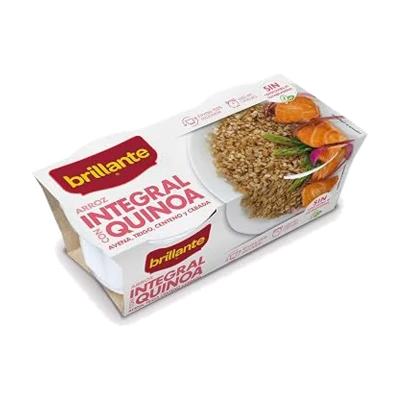
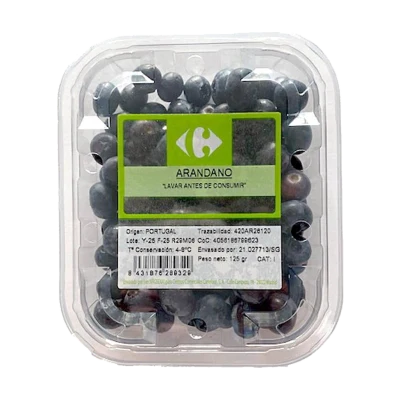
The product pages show images and calorie values; detailed macros are available in the app.
MacroLab focuses on foods in Spain, Mexico, Germany, Russia and Kazakhstan. The recipes below show examples from those food traditions.
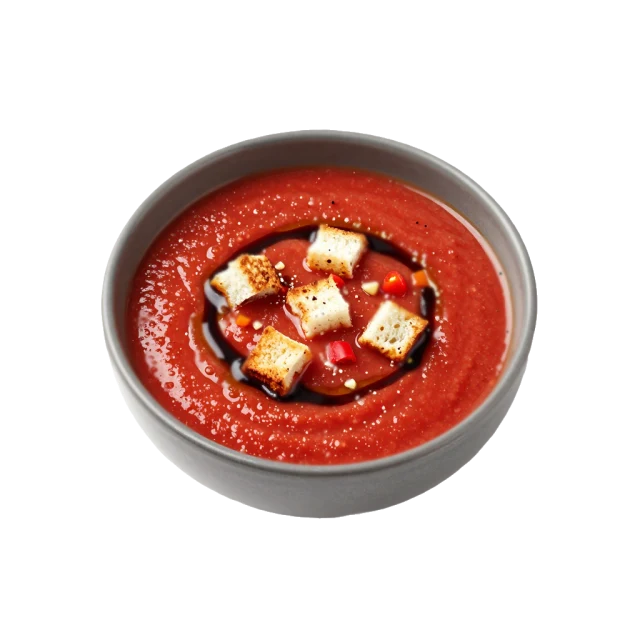
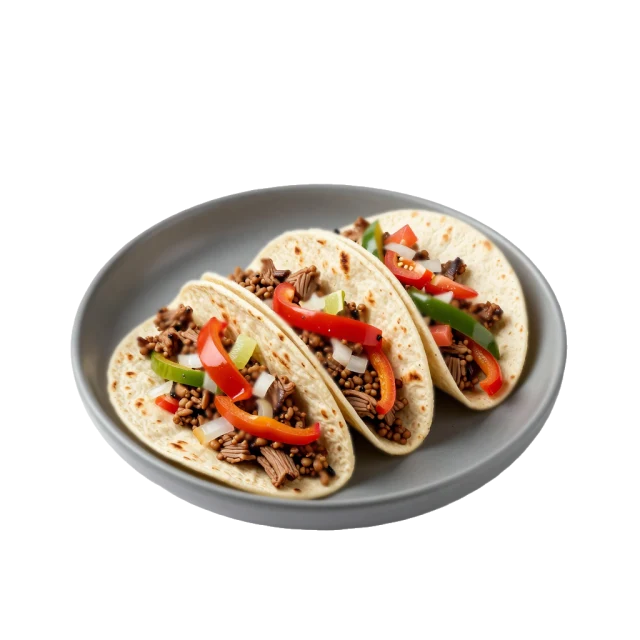
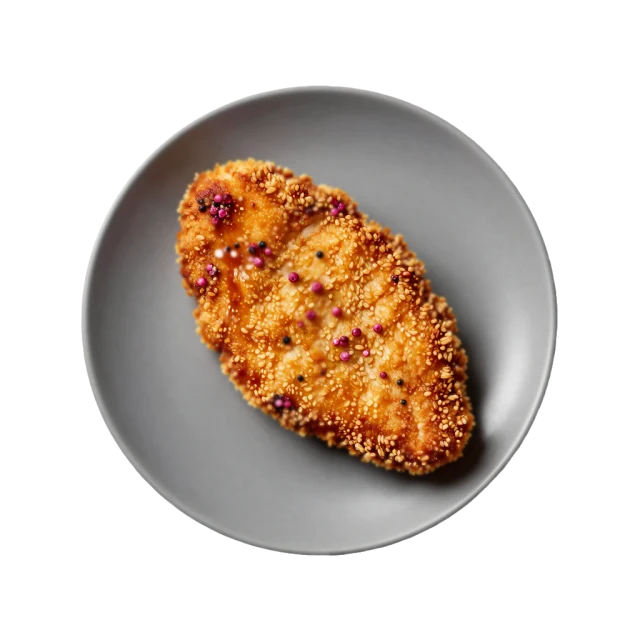
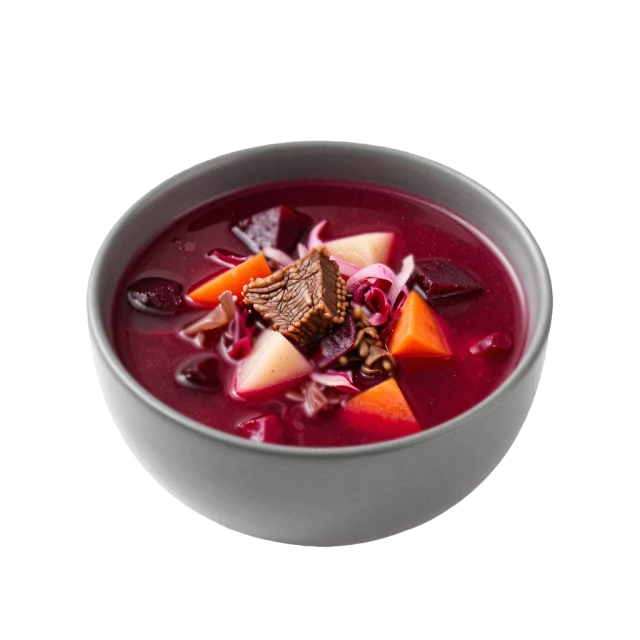
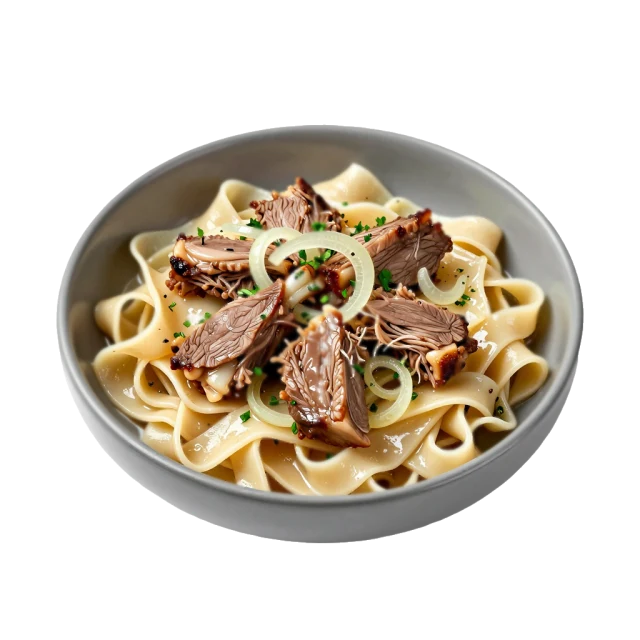
Recipe illustrations from MacroLab’s catalog. These examples demonstrate availability; they do not measure coverage against Cal AI.
Which app fits your needs?
Try MacroLab if…
You want photo logging with a free daily allowance, editable food quantities and calorie targets informed by your intake and weight trend. Regional foods in our focus countries matter to you. Pro adds the conversational coach.
Choose Cal AI if…
You prefer a more minimalist interface, want to track with friends through Groups, or mainly need US food coverage. Its photo logging requires a subscription.
MacroLab Free
- 3 AI meals daily: photo, text or voice
- Manual logging, search and barcode scanning
- Food quantities you can edit before saving
MacroLab Pro
- Unlimited AI meal logging
- More capable recognition models
- AI Coach and nutrition-label scanning
Sources & how we compared
Official feature documentation checked October 2, 2026. We compare the published features and show product screens. We did not run a controlled accuracy, speed or tap-count test. Unpublished Cal AI features are marked as unconfirmed. Subscription prices vary by country and offer.
- Cal AI: official App Store listing and subscription requirement
- Cal AI: logging methods and trial
- Cal AI: official FAQ
- Cal AI: Groups and community
- TechCrunch: Cal AI’s integration with MyFitnessPal’s database
Cal AI images are promotional screenshots from its official App Store listing. MacroLab uses its existing English marketing screens with demonstration data. Catalog images link to live entries. The brands are independent; trademarks belong to their owners.
Found something that has changed? Let us know.